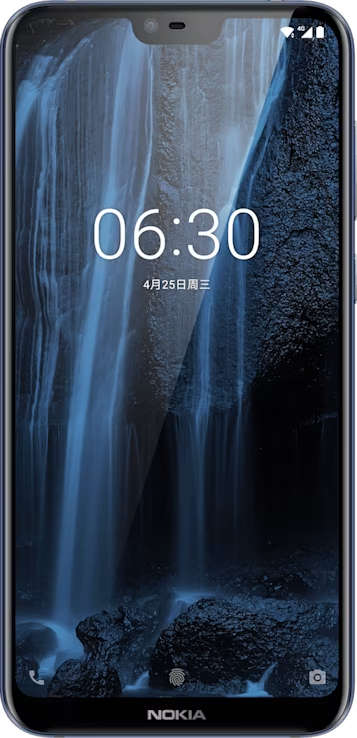
Nokia X6 user guide

Skip to main content
All devices
Download

Nokia X6

Download

Calls

Make a call

  1. Tap phone.
  2. Type in a number, or tap Contacts and select a contact you want to call.
  3. Tap phone. If you have a second SIM inserted, tap the corresponding icon to make a call from a specific SIM.

Answer a call

When the phone rings, swipe up to answer.

Reject a call

To reject a call, swipe down.

Did you find this helpful?

Useful links

Software updatesProduct Warranty
  • Keep your phone up to date
  • Keys and parts
  • Insert or remove the SIM and memory card
  • Charge your phone
  • Switch on and set up your phone
  • Dual SIM settings
  • Setting up fingerprint ID
  • Lock or unlock your phone
  • Use the touch screen
Connect with your friends and family
  • Calls
  • Contacts
  • Send and receive messages
  • Get social

Set Location And Language

Asia