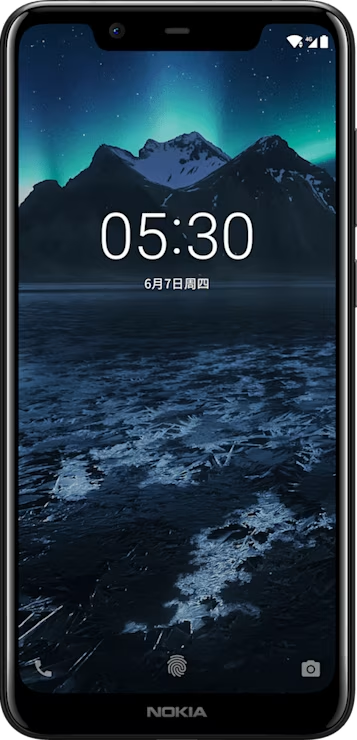
Nokia X5 user guide

Skip to main content
All devices
Download

Nokia X5

Download

Personalize your phone

Learn how to personalize the home screen and how to change ringtones.

Change your wallpaper

Tap Settings > Display > Wallpaper.

Change your phone ringtone

Tap Settings > Sound > Phone ringtone (SIM1) or Phone ringtone (SIM2) and select the ringtone.

Change your message notification tone

Tap Settings > Sound > Advanced > Default notification sound.

Did you find this helpful?

Useful links

Software updatesProduct Warranty
  • Keep your phone up to date
  • Keys and parts
  • Insert or remove the SIM and memory card
  • Charge your phone
  • Switch on and set up your phone
  • Dual SIM settings
  • Setting up fingerprint ID
  • Lock or unlock your phone
  • Use the touch screen
Basics
  • Personalize your phone
  • Open and close an app
  • Notifications
  • Control volume
  • Battery life
  • Save on data roaming costs
  • Write text
  • Date and time
  • Clock and alarm
  • Notes
  • Calculator
  • Accessibility

Set Location And Language

Asia