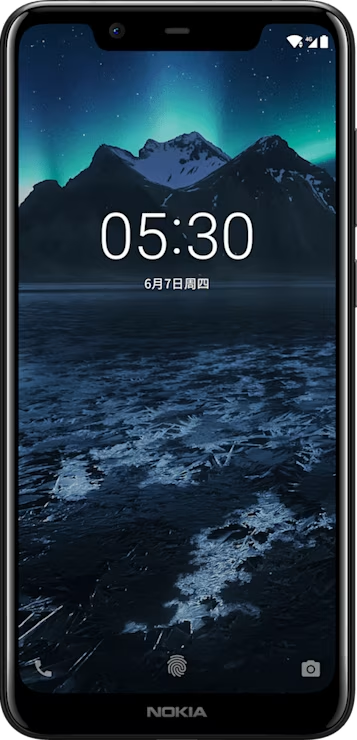
Nokia X5 user guide

Skip to main content
All devices
Download

Nokia X5

Download

Use your camera like a pro

Use the different modes in you camera to enhance the quality of your photos.

Learn about your camera settings

In the Camera app, tap menu > Settings and each setting to learn more about them.

Use Live Bokeh mode

If you want to be able to change the focus area of your photo after you have taken it, use the Live Bokeh mode when taking a photo.

  1. Tap Camera > menu > Live Bokeh.
  2. Tap panorama_fish_eye.
  3. Tap the photo you just took.
  4. Tap Bokeh Editor to edit your photo.
Did you find this helpful?

Useful links

Software updatesProduct Warranty
  • Keep your phone up to date
  • Keys and parts
  • Insert or remove the SIM and memory card
  • Charge your phone
  • Switch on and set up your phone
  • Dual SIM settings
  • Setting up fingerprint ID
  • Lock or unlock your phone
  • Use the touch screen
Camera
  • Camera basics
  • Use your camera like a pro
  • Your photos and videos

Set Location And Language

Asia