Nokia X71 user guide
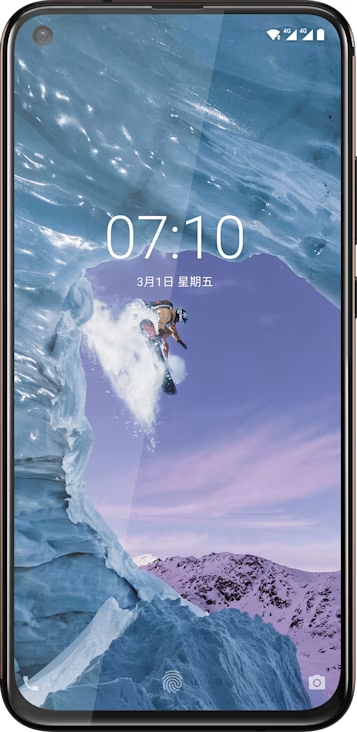
Setting up Face unlock
You can use your face to unlock your phone.
Set up a Face unlock
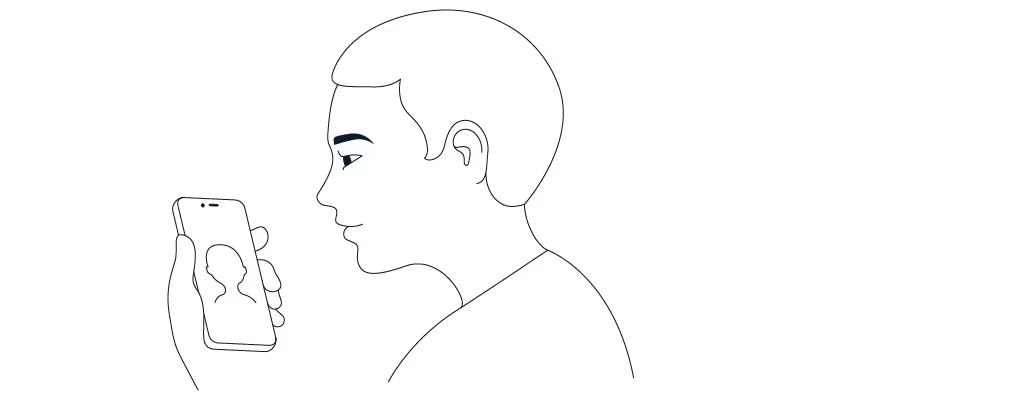
- Tap
Settings >Security and Location >Face unlock . If you don’t have screen lock set up on your phone, tapSet up screen lock . - Select what backup unlocking method you want to use for the lock screen and follow the instructions shown on your phone.
Keep your eyes open and make sure your face is fully visible and not covered by any object, such as a hat or sunglasses.
Note: Using your face to unlock your phone is less secure than using a fingerprint, pattern or password. Your phone may be unlocked by someone or something with similar appearance. Face unlock may not work properly in backlight or too dark or bright environment.