Nokia 3310 4G user guide
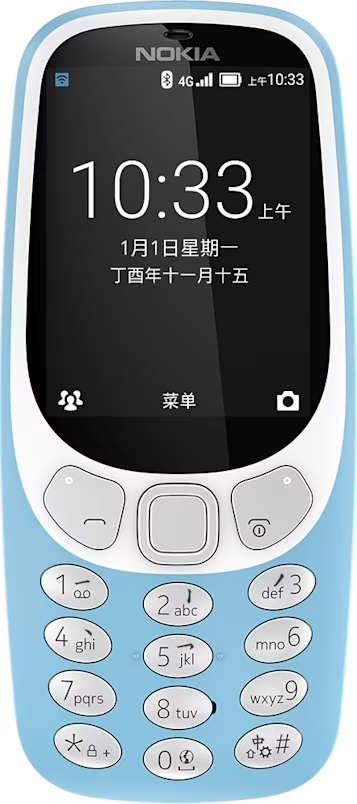
WLAN
Start a wireless LAN connection.
Switch on WLAN
- Select
Menu > >Wi-Fi . - Press the scroll key to look for available networks.
- Select the network you want, enter a password if needed, and select
Connect .
Use your phone as a WLAN hotspot
Need a network connection on your laptop? You can use your phone as a WLAN hotspot.
- Select
Menu > >Portable Wi-Fi hotspot , and switch the hotspot on. - Select
Set up Wi-Fi hotspot . - Enter the details and select
Save .
You can now, for example, switch WLAN on in your laptop and connect it to the phone’s WLAN hotspot.