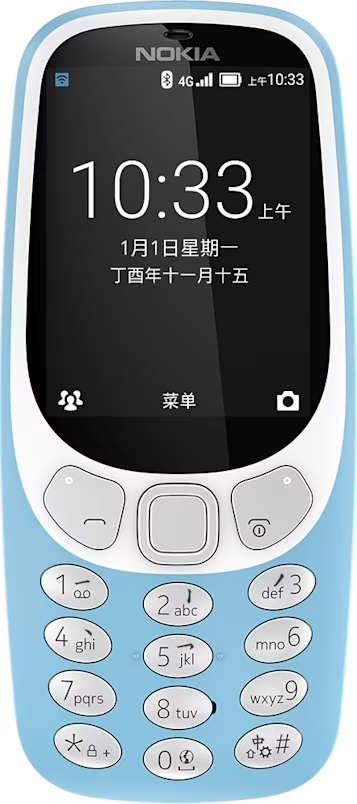
Nokia 3310 4G user guide
Notification center
To quickly check your missed calls and received messages, open the notification center.
Check your calls and messages
To open the notification center, go to the home screen and press and hold #.
On the
To quickly check your missed calls and received messages, open the notification center.
To open the notification center, go to the home screen and press and hold #.
On the