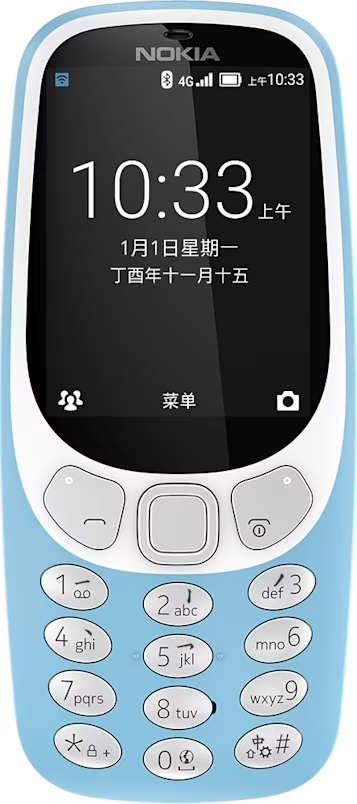
Nokia 3310 4G user guide
Skip to main content
All devices
Download

Nokia 3310 4G

Download

Uninstall apps

You can uninstall apps pre-installed on your phone.

Uninstall apps

  1. Select Menu > > Apps > Downloaded.
  2. Select the app you want to uninstall, and select > Uninstall.
Did you find this helpful?

Useful links

Software updatesProduct Warranty
  • Keys and parts
  • Set up and switch on your phone
  • Charge your phone
Copy content and check the memory
  • Copy content
  • Uninstall apps
  • Memory

Set Location And Language

Asia