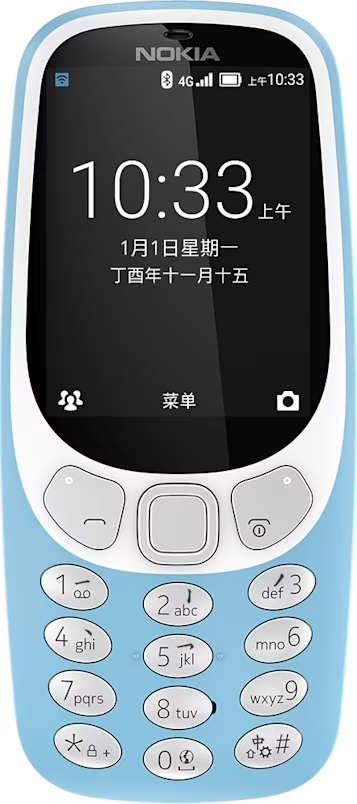
Nokia 3310 4G user guide
Skip to main content
All devices
Download

Nokia 3310 4G

Download

Calendar

Need to remember an event? Add it to your calendar.

Add a calendar reminder

  1. Select Menu > .
  2. Select a date and > Create.
  3. Type in a name for the event.
  4. On the Start Date field, select the date.
  5. On the Start Time field, select the time.
  6. Select whether to add an alert to the event.
Did you find this helpful?

Useful links

Software updatesProduct Warranty
  • Keys and parts
  • Set up and switch on your phone
  • Charge your phone
Clock, calendar, and calculator
  • Set the time and date manually
  • Clock
  • Calendar
  • Calculator

Set Location And Language

Asia