Nokia 3310 4G user guide
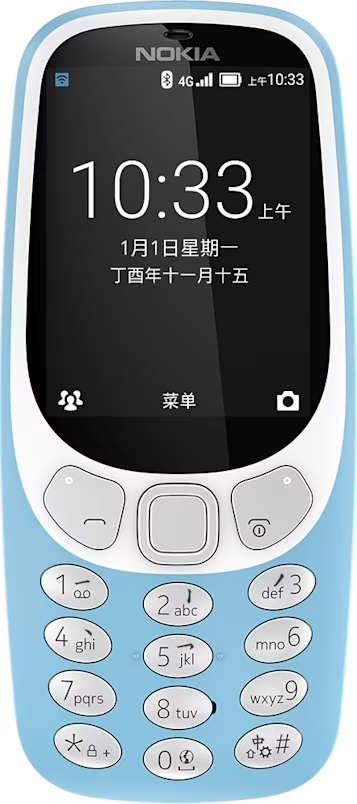
Change the volume
Turn the volume up or down

Trouble hearing your phone ringing in noisy environments, or calls too loud? You can change the volume to your liking.
Scroll up or down to change the volume during a call or when listening to the radio. In some applications, you need to press the * and # keys to control the volume.