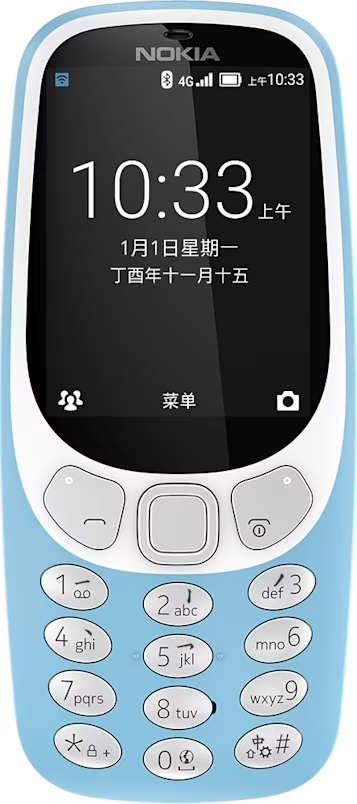
Nokia 3310 4G user guide
Skip to main content
All devices
Download

Nokia 3310 4G

Download

Listen to radio

Did you find a good radio station? Next, start listening to it!

Listen to your favorite radio stations on your phone

Select Menu > . The radio starts playing the last station you have listened.

To change the station, scroll left or right.

To change the volume, scroll up or down.

To close the radio, press the scroll key.

Did you find this helpful?

Useful links

Software updatesProduct Warranty
  • Keys and parts
  • Set up and switch on your phone
  • Charge your phone
Radio
  • Find and save radio stations
  • Listen to radio

Set Location And Language

Asia