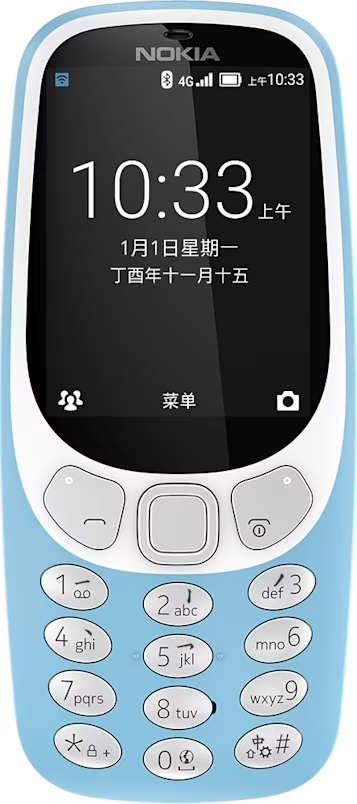
Nokia 3310 4G user guide
Browse the web
Learn how to browse the web with your phone.
Connect to internet
Catch up on the news, and visit your favorite websites on the go.
- Select
Menu > . - Write a web address, and select
Go . - Use the scroll key to move the mouse cursor in the browser.
The browser is the UC Browser of the Alibaba Group. You may not be able to access some websites due to limitations in the browser and the phone memory.
Tip: There are two cursor modes available. In the arrow mode, you can move around web pages and click on items. In the mouse scroll mode, you can move up and down on web pages. To switch between the modes, press the left selection key.