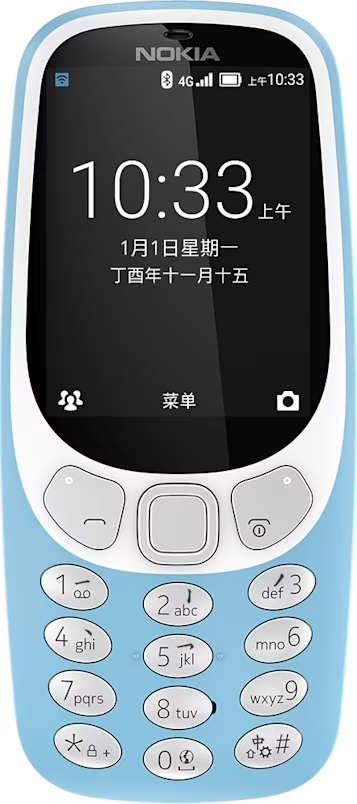
Nokia 3310 4G user guide
Calls
Make a call
Learn how to make a call with your new phone.
- Type in the phone number.
- Press .
- To end the call, press .
Answer a call
Press .
Tip: To handle your calls hands-free, pair your phone with a compatible Bluetooth headset (sold separately). To switch Bluetooth on, select Menu > > Bluetooth > Select .
Speed dial
You can call a contact quickly using speed dial.
- To assign a speed dial to each number key on your phone, select .
- Scroll to the number key you want to use and select it.
- Select the phone number from the list.
To make a call using the speed dial, select and the contact.