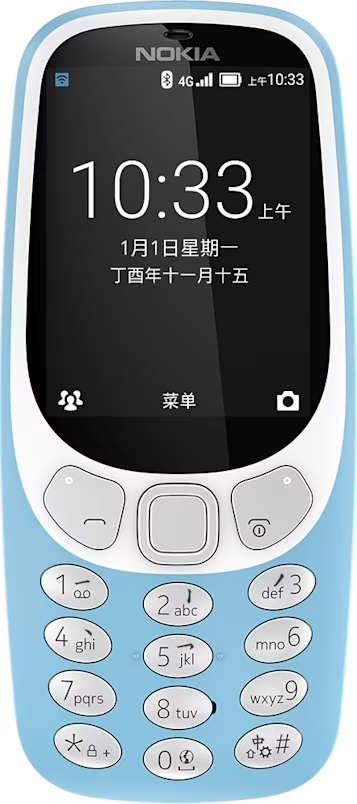
Nokia 3310 4G user guide
Skip to main content
All devices
Download

Nokia 3310 4G

Download

Find and save radio stations

You need to connect a compatible headset to listen to the radio. The headset acts as an antenna. Troubleshooting tip: if the radio does not work, make sure that the headset is properly connected.

Search for radio stations

Select Menu > . If you open the radio for the first time, it will automatically search for the available stations and start playing. To switch to another found station, scroll left or right.

To search for all available stations later, select > Auto Search.

Did you find this helpful?

Useful links

Software updatesProduct Warranty
  • Keys and parts
  • Set up and switch on your phone
  • Charge your phone
Radio
  • Find and save radio stations
  • Listen to radio

Set Location And Language

Asia