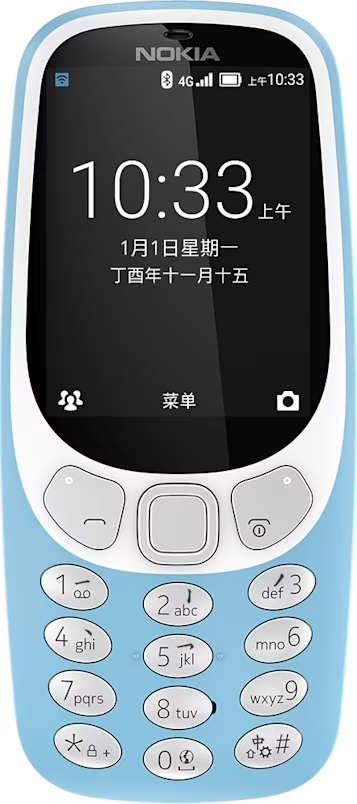
Nokia 3310 4G user guide
Send and receive messages
Write and send messages
- Select
Menu > >New . - Add the recipients. You can enter a phone number directly or select to add a recipient from your contacts.
- Write the message.
- Select
Send .
Writing options
You can find different options for writing a message from when you are in the message field. You can attach or take a picture, record a video, or add a contact card. If you are in a hurry, you can quickly select from a list of common phrases to explain your situation.