Nokia 800 user guide
Skip to main content
Alle enheter
Last ned

Nokia 800

Last ned

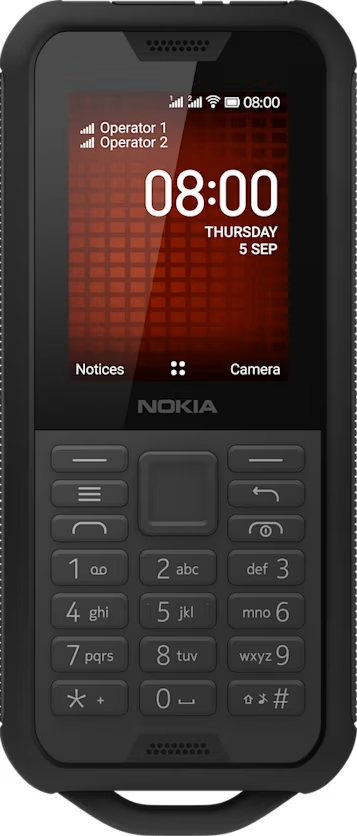
Explore your phone

Open the apps list

Press the scroll key.

Open an app or select a feature

Scroll to the app or feature and select SELECT.

Go back to the previous view

Press the back key.

Go back to the home screen

Press the end key.

Did you find this helpful?

Nyttige lenker

ProgramvareoppdateringerProduktgaranti
  • Taster og deler
  • Konfigurere og slå på telefonen
  • Lade telefonen
Grunnleggende
  • Explore your phone
  • Endre volumet
  • Skrive tekst
  • Endre tekststørrelse

Set Location And Language