คู่มือผู้ใช้ Nokia 8
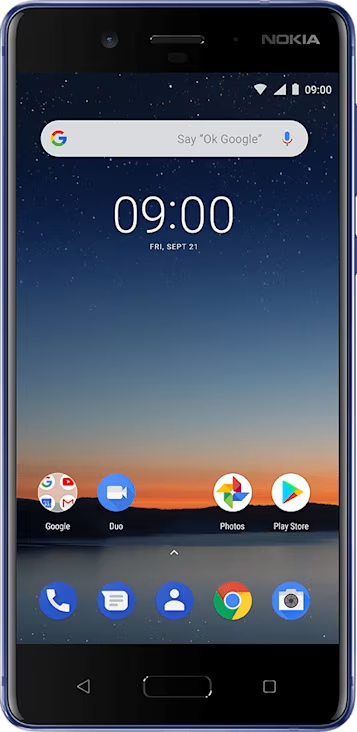
Screenshots
Take a screenshot
To take a screenshot, open the notification panel, and drag the status bar downwards. Tap
It is not possible to capture a screenshot while using some apps and features.
To take a screenshot, open the notification panel, and drag the status bar downwards. Tap
It is not possible to capture a screenshot while using some apps and features.