Nokia 800 Bedienungsanleitung
Skip to main content
Alle Geräte
Herunterladen

Nokia 800

Herunterladen

Change the volume

Turn the volume up or down

Trouble hearing your phone ringing in noisy environments, or calls too loud? You can change the volume to your liking.

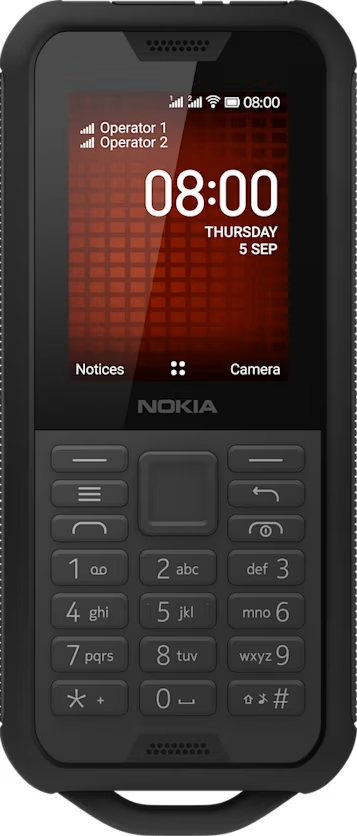
To change the volume during a call, press the scroll key up or down.

To change the volume of your media apps, ringtones, alerts, and alarms, press the scroll key and select Settings. Scroll right to Personalization, and select Sound > Volume.

To change the volume when listening to the radio or music, select Options > Volume.

Did you find this helpful?

Hilfreiche Links

Software-UpdatesProduktgarantie
  • Tasten und Komponenten
  • Telefon einrichten und einschalten
  • Laden des Telefons
Grundlagen
  • Kennenlernen des Telefons
  • Ändern der Lautstärke
  • Texteingabe
  • Ändern der Textgröße

Set Location And Language