Nokia 800 Bedienungsanleitung
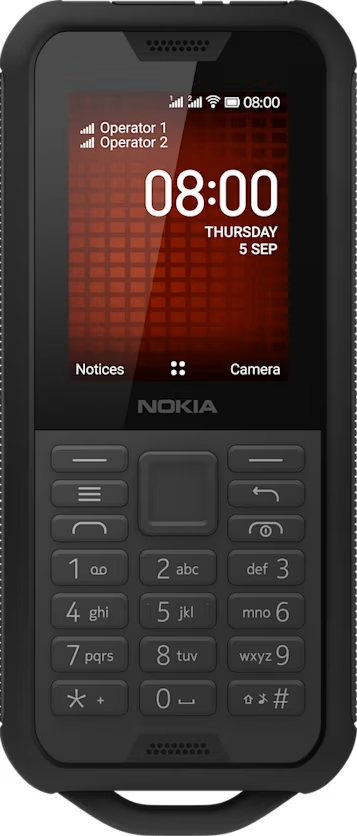
Change the look of your home screen
You can change the look of your phone with wallpapers.
Choose a new wallpaper
- Press the scroll key and select
Settings . - Scroll right to
Personalization and selectDisplay >Wallpaper . - Select
Camera to take a new photo for the wallpaper,Wallpaper to select from pre-defined wallpapers, orGallery to choose a wallpaper from the photos on your phone.