Nokia 800 Bedienungsanleitung
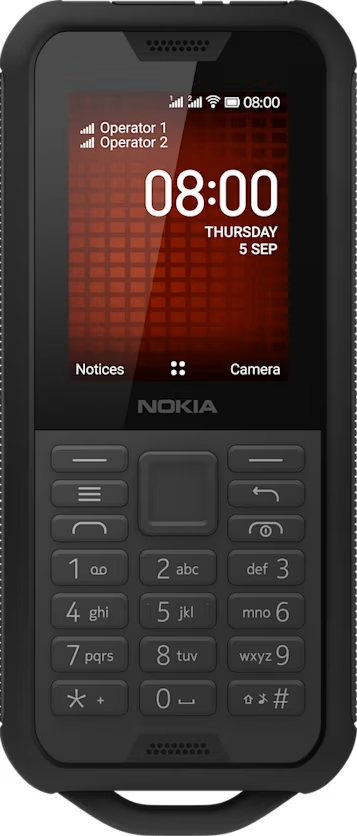
Send messages
Write and send messages
- Press the scroll key, and select
Messages >New . - In the To field, press # until you are able to enter numbers and then type in a phone number, or select
Add to add a contact from your contacts list. - Write your message. If you need to remove a character, press the back key.
- Select
Send . If asked, select which SIM to use.