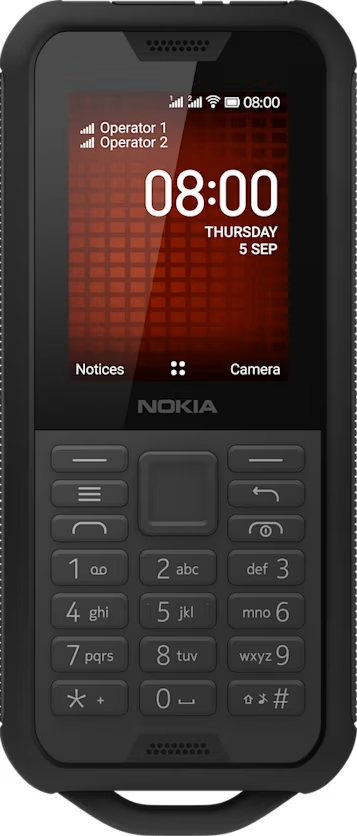
Nokia 800 Bedienungsanleitung
Send mail
You can use your phone to read and reply to mail when you're on the go.
Add a mail account
When you use the E-Mail app for the first time, you are asked to set up your e-mail account.
- Press the scroll key and select
E-Mail . - Select
Next and type in your name and e-mail address. - Select
Next and type in your password.
Write e-mail
- Press the scroll key and select
E-Mail . - Select
Compose . - In the
To field, type in an e-mail address. - Type in the message subject and the mail.
- Select
Send .