Nokia 5310 用戶指南
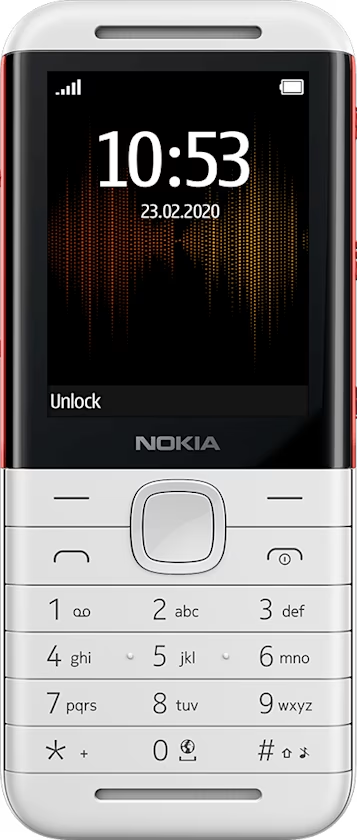
Add shortcuts
You can add shortcuts to different apps and settings on your home screen.
Edit Go to settings
On the bottom left of your home screen is Go to , which contains shortcuts to various apps and settings. Select the shortcuts that are the handiest for you.
- Select
Menu > >Go to settings . - Select
Choose options . - Scroll to each shortcut you want to have on the
Go to list and selectMark . - Select
Done >Yes to save the changes.
You can also reorganize your
- Select
Organise . - Scroll to the item you want to move, select
Move and where you want to move it. - Select
Back >Yes to save the changes.