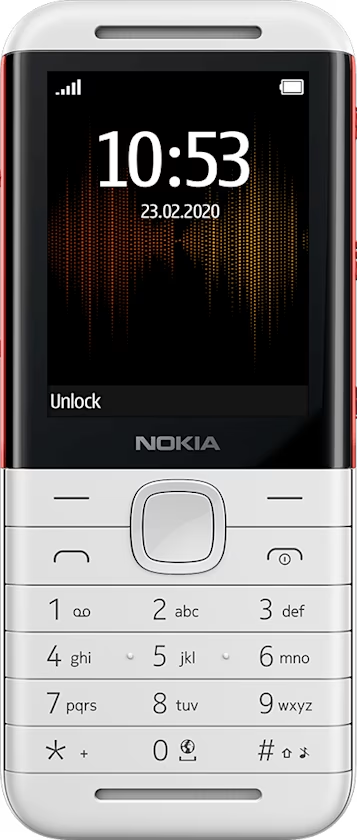
Nokia 5310 用戶指南
Photos and videos
Take a photo
- Select
Menu > . - To zoom in or out, scroll up or down.
- To take a photo, select .
Options for the camera
Select Menu > > , and select the option you want, such as Brightness or Image effects .
Record a video
- Select
Menu > . - Scroll left and select .
- To stop the video, select .