Nokia 5310 用戶指南
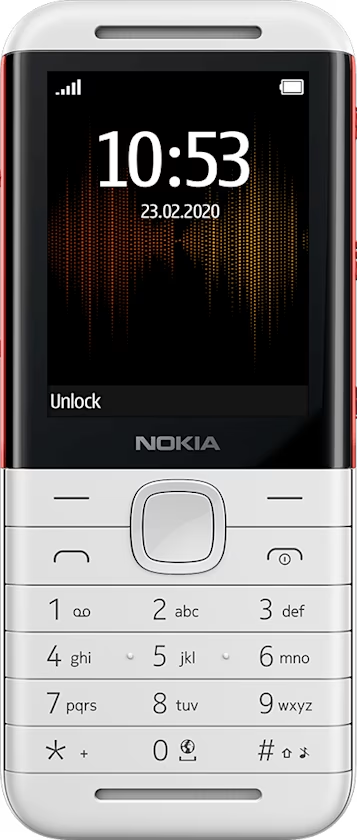
Set up and switch on your phone
Mini SIM

Important: This device is designed to be used with a mini SIM card only. Use of incompatible SIM cards may damage the card or the device, and may corrupt data stored on the card.
注意: 取下背蓋前,請將裝置關機,並中斷與充電器及任何其他裝置的連接。更換背蓋時,請避免碰觸到電子零件。要保存及使用本裝置時,請務必將背蓋裝好。
Insert the SIM card

- Put your fingernail in the small slot at the bottom of the phone, lift and remove the cover.
- If the battery is in the phone, lift it out.
- Slide the SIM card in the SIM card slot.
Insert the second SIM

If you have a dual-SIM phone, slide the second SIM in the SIM2 slot. Both SIM cards are available at the same time when the device is not being used, but while one SIM card is active, for example, making a call, the other may be unavailable.
秘訣: 若要了解您的手機是否可以使用 2 張 SIM 卡,請查看銷售盒上的標籤。如果標籤上有 2 個 IMEI 碼,表示您擁有的是雙 SIM 卡電話。
Insert the memory card

- If you have a memory card, slide it in the memory card slot.
- Put back the battery.
- Put back the cover.
將您的電話開機
按住 。