Nokia 5310 用戶指南
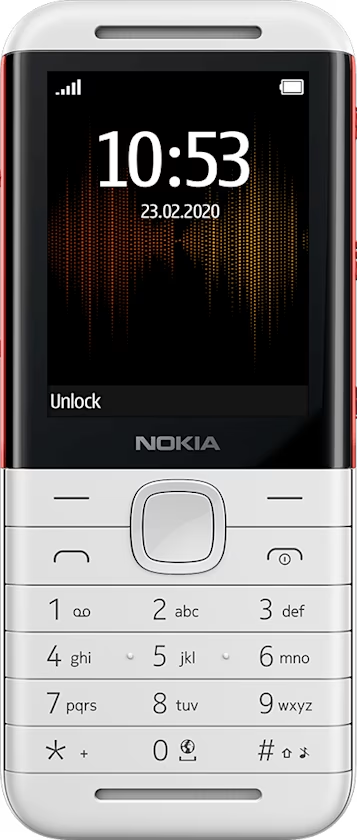
Change the look of your home screen
Choose a new wallpaper
You can change the background of your home screen.
- Select
Menu > >Display settings >Wallpaper . - Select
Default , scroll to the wallpaper you want, and selectView . - If you like the wallpaper, select
Choose and then select how you want to position the wallpaper on the home screen.
Tip: You can also use a photo you've taken or received as wallpaper. Select Menu > > Display settings > Wallpaper > Photos .
Show date and time
You can select to see date and time on the home screen of your phone.
Select
If you want your phone to update the time automatically, set
Tip: You can also set your phone to show the time even in the idle mode. Select Menu > > Display settings > Glance screen > On .