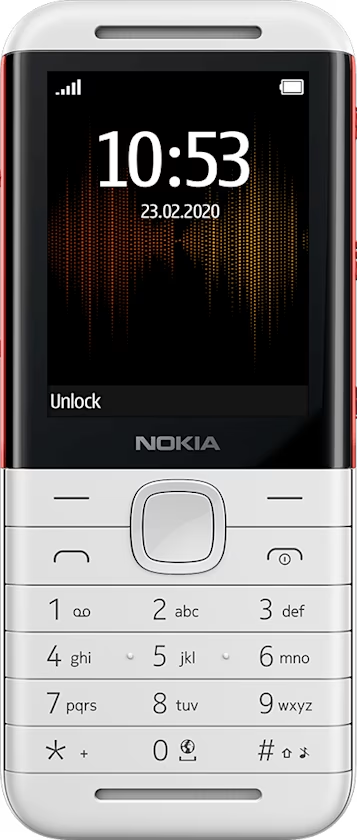
Nokia 5310 用戶指南
Bluetooth®
Connect your phone to other devices with Bluetooth.
Switch on Bluetooth
- Select
Menu > >Connectivity >Bluetooth . - Switch
Bluetooth toOn . - Select
Paired to find a new device or a device you have paired your phone with previously, or selectActive to see a list of devices available for connecting.