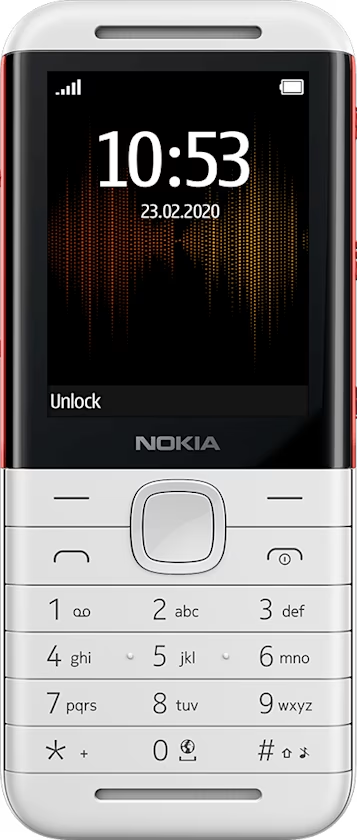
Nokia 5310 用戶指南
Send messages
Write and send messages
- Select
Menu > >Create message . - In the To field, enter the number of the recipient, or select
Add >Contacts to add recipients from your contacts list. - Write the message on the message field.
- To insert images to the message or to use predictive text, select
Options . To insert smileys or symbols, selectOptions >Insert options - Select
Send .