Nokia 5310 用戶指南
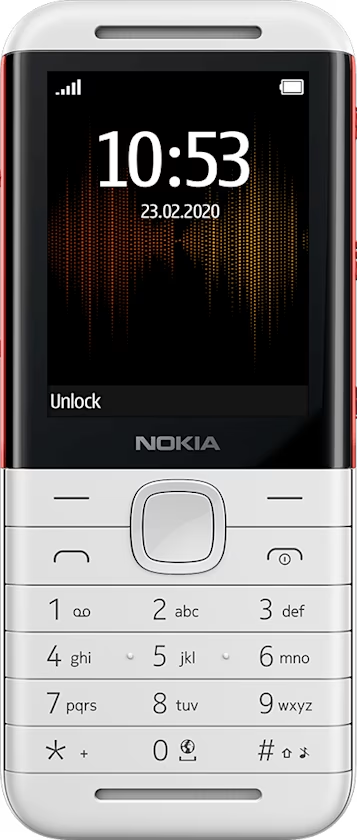
Music player
You can listen to your MP3 music files with the music player.
Listen to music
- Select
Menu > . - Scroll to a song, and select
Play .
To adjust the volume, use the volume keys.
To fast-forward the song, press the fast forward key.
To rewind the song, press the rewind key.
To stop playing, press the stop key.
To select a different music style, select
Tip: To set a song as ringtone, select Options > Use as tone .